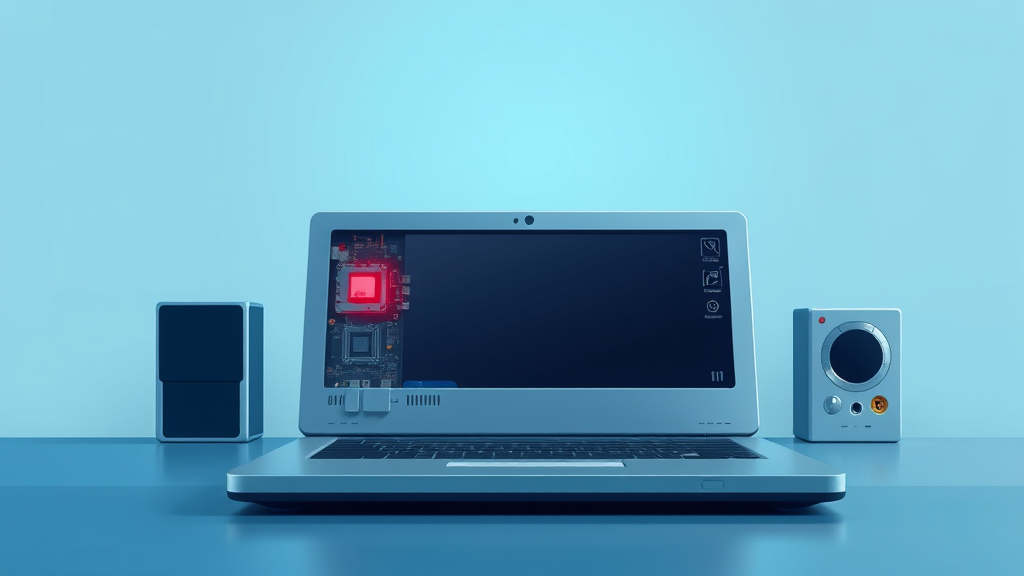

After four decades of watching this industry, I've learned that the companies you should trust most are the ones that say "yep, we broke it, here's what we're doing" instead of going quiet. So I was glad to see Ars Technica report that Framework has responded to complaints that a recent BIOS update is bricking its Ryzen 7040 laptops.
Let me back up for anyone who hasn't had the pleasure of a BIOS scare. The BIOS is the little chunk of firmware that wakes your laptop up before the operating system even knows it exists. Updating it wrong is like rewiring the doorbell and accidentally cutting power to the whole house. And "bricking" is exactly what it sounds like: your expensive machine becomes about as useful as the paving stone in my garden path.
According to the report, customers started saying that after installing the update, their Framework Laptop 13 machines with AMD's Ryzen 7040 series chips simply wouldn't boot. When Ars reached out and asked how many people were affected, Framework didn't dodge the question with corporate mush. The company said it has identified the issue and is working on a fix.
Now, you might wonder why I'm writing about a niche laptop maker at all. Framework builds laptops you can actually upgrade, piece by piece, the way we used to swap RAM and hard drives on desktops back when I still had a beige tower under my desk. My granddaughter Jess thinks it's hilarious that I get sentimental about upgradeable ports, but kids, we used to fix things instead of replacing them. Framework is one of the few companies trying to bring that back, which is exactly why a stumble like this matters and why the response matters even more.
My practical advice, and I give the same advice to everyone who calls me about this stuff: if you own a Framework Laptop 13 with a Ryzen 7040 chip, hold off on any BIOS updates until Framework ships its fix and confirms it publicly. Don't let the update nag push you into something you'll regret. Firmware updates are not like app updates; when they go wrong, they go really wrong, and you can't just uninstall your way out of it.
If your machine has already been bricked, don't start disassembling anything or trying recovery tricks you found in a forum at 2 a.m. Reach out to Framework support directly. The company has acknowledged the problem, which means support channels are now the fastest path to a recovery method or a repair. That's what warranty support is for.
I'll say this for Framework: acknowledging an issue within days of Ars asking about it puts them ahead of plenty of bigger names I could mention. I remember laptop makers in the 2000s who'd deny a fault existed until a class action letter showed up. Technology should work for you, and when it doesn't, the company behind it should own that quickly and clearly. Framework is doing the owning part. Now we wait on the fix.
I'll keep an eye on this one and report back once Framework releases the patched BIOS, along with word on how affected customers are being made whole. In the meantime, back up your files, people. Bricked or not, that advice never goes out of style.
Comments (0)
Log in or sign up to join the conversation.
No comments yet. Be the first.